TVPikoma Works on Every Device
Smart TV, Firestick, Android, iPhone, Apple TV, MAG box, PC or Mac — TVPikoma runs on the devices you already own. Each subscription includes 1 active connection, and you can install it on as many devices as you like.
Open the TVPikoma setup guide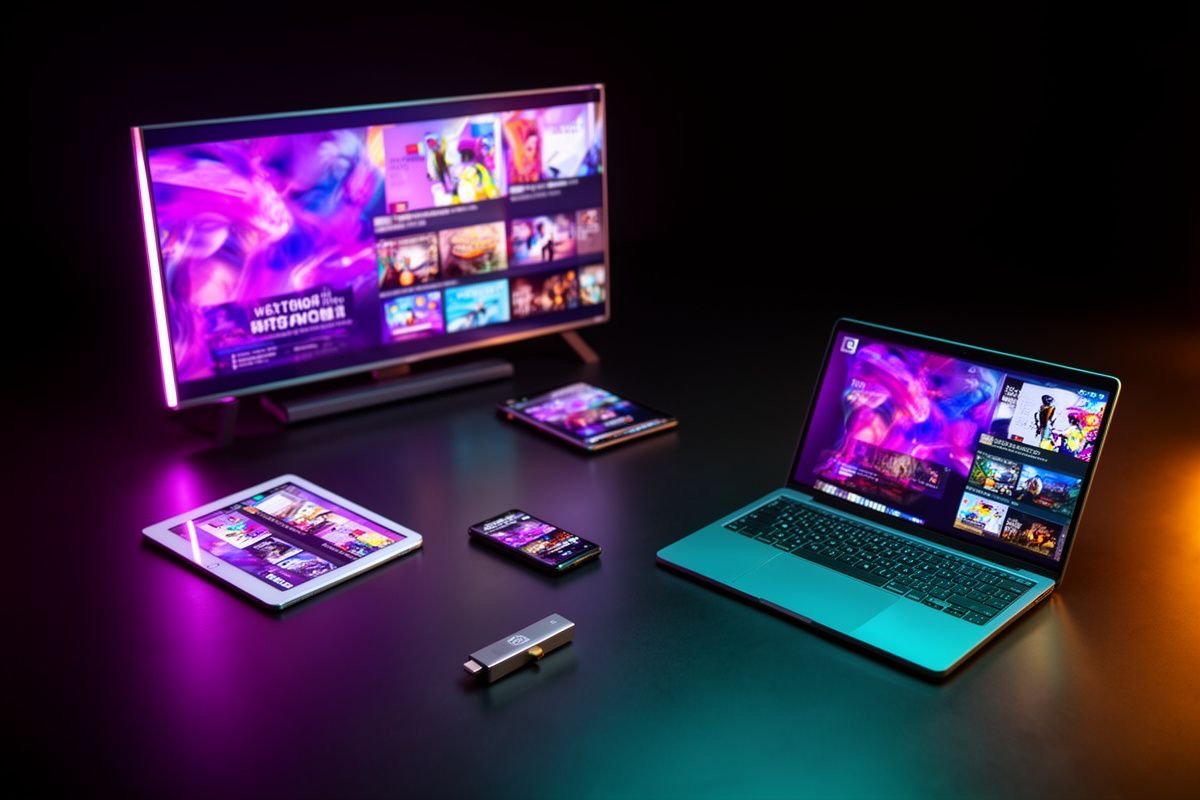
Devices Supported by TVPikoma
Smart TV
Samsung, LG, Hisense, TCL, Philips and Android TV
Fire TV Stick
Firestick 4K, Fire TV Cube and Fire TV editions
Android
Phones, tablets and Android TV boxes
iPhone & iPad
iOS and iPadOS with top IPTV player apps
Apple TV
tvOS apps with M3U / Xtream support
MAG & STB
MAG boxes, Formuler and Enigma2 receivers
Windows & Mac
Desktop players and VLC
Web browser
Watch from any modern browser
Recommended Apps for TVPikoma
TVPikoma works with any player that supports Xtream codes or M3U playlists. These are the ones our customers use most.
| Device | Recommended apps | TVPikoma guide |
|---|---|---|
| Smart TV (Samsung / LG) | IBO Player, Smart IPTV, SS IPTV | Guide → |
| Fire TV Stick | IPTV Smarters Pro, TiviMate, Downloader | Guide → |
| Android phone / box | TiviMate, IPTV Smarters Pro, XCIPTV | Guide → |
| iPhone / iPad / Apple TV | GSE Smart IPTV, IPTVX, Smarters Player Lite | Guide → |
| MAG / Formuler | Built-in portal, MyTVOnline | Guide → |
| Windows / Mac | VLC, MyIPTV Player, IPTV Smarters | Guide → |
App names belong to their developers. TVPikoma is not affiliated with these apps.
One TVPikoma connection, many devices
Your TVPikoma subscription includes one active connection. That means you can install TVPikoma on your living-room TV, your phone and your laptop, and watch on whichever one you want — just one at a time. If you start a stream on a second device while the first is still playing, the first stream will stop.
What you need to watch TVPikoma
All you need is a compatible device, an IPTV player app and a stable internet connection of at least 10 Mbps (20 Mbps+ for FHD and 30–50 Mbps for 4K). We recommend a wired Ethernet connection or 5 GHz Wi-Fi for the smoothest TVPikoma experience.
TVPikoma Devices FAQ
Which devices work with TVPikoma?
TVPikoma works on Smart TV (Samsung, LG, Android TV), Amazon Firestick, Android phones and boxes, iPhone, iPad, Apple TV, MAG and Formuler boxes, Windows, Mac and web browsers. See all TVPikoma devices.
How many devices can I use with one TVPikoma subscription?
Each TVPikoma subscription includes 1 connection, so you can watch on one device at a time. You can install it on several devices and switch between them.
Can I watch TVPikoma on Firestick?
Yes. TVPikoma runs smoothly on all Fire TV Stick models. Follow our TVPikoma Firestick guide.
Can I watch TVPikoma on a Samsung or LG Smart TV?
Yes. Install an IPTV player from your TV's app store and add your TVPikoma login. See the TVPikoma Smart TV guide.
Which app should I use with TVPikoma?
Popular choices are IPTV Smarters Pro, TiviMate, IBO Player, GSE Smart IPTV and VLC. Read our guide to the best IPTV players for TVPikoma.
Ready to start watching with TVPikoma?
Choose your TVPikoma plan, message us on WhatsApp and your login arrives in minutes.