TVPikoma MAG Box Setup Guide (Portal Method)
MAG boxes are simple, reliable and made for IPTV. Here's how to connect your MAG to TVPikoma in a few minutes.
Why use a MAG box with TVPikoma?
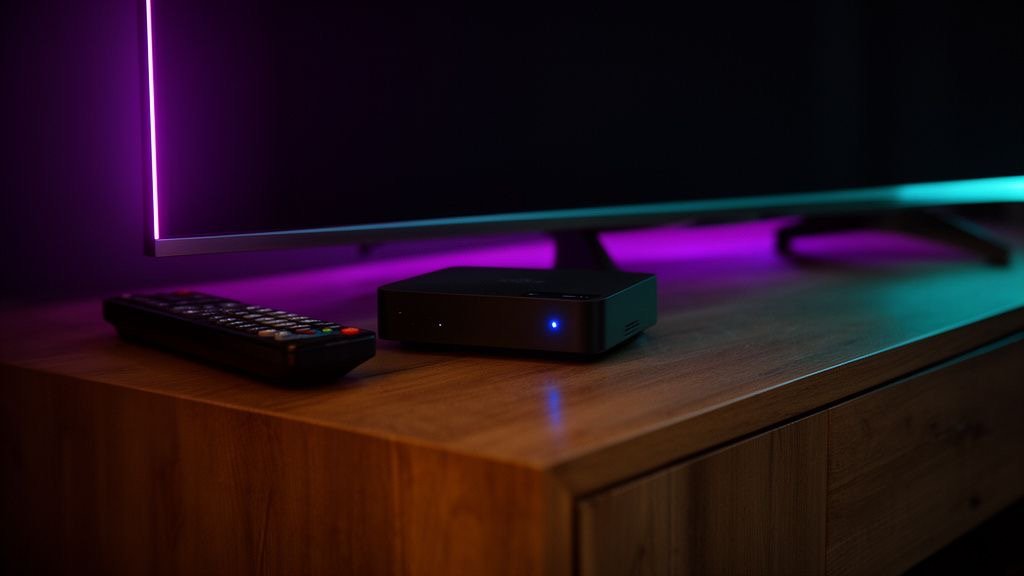
MAG boxes (made by Infomir) are dedicated IPTV set-top boxes. They boot straight into TV, use a familiar remote control and are very stable — which makes them a favourite for families and older viewers. TVPikoma works with MAG 322, 324, 349, 351, 424, 520, 522 and 524 using the portal method.
Step 1: Find your MAC address
Turn the box over: the MAC address is printed on the sticker and starts with 00:1A:79. You can also find it under Settings → System information.
Step 2: Send the MAC address to TVPikoma
When you order, tell the TVPikoma team you're using a MAG box and send the MAC address on WhatsApp. We link your subscription to that box and send you the TVPikoma portal URL.
Step 3: Enter the TVPikoma portal
- On the MAG home screen, open Settings → System settings → Servers → Portals.
- In Portal 1 name, type TVPikoma.
- In Portal 1 URL, enter the TVPikoma portal URL exactly as received.
- Press OK to save, go back and choose Restart portal.
The box reloads and opens the TVPikoma portal with live TV, the TV guide and the VOD library.
TVPikoma on Formuler boxes
Formuler boxes (Z10, Z11, Z11 Pro) run the MyTVOnline app, which supports both the portal method and Xtream codes. Add a new portal with the TVPikoma URL, or choose Add connection → Xtream and enter your TVPikoma username, password and server.
TVPikoma on Enigma2 receivers
Enigma2 boxes (Vu+, Dreambox, Zgemma and others) can load TVPikoma through an M3U/bouquet script or plug-ins such as XStreamity. Message TVPikoma support with your model, and we'll send the right command for your receiver.
MAG troubleshooting
- “Portal not found” — check the URL for typos and make sure it ends exactly as received.
- “STB blocked” — the MAC address on your subscription doesn't match the box. Send TVPikoma a photo of the sticker.
- Slow loading — use an Ethernet cable; most MAG boxes have weak Wi-Fi.
- Freezing — see our TVPikoma buffering fixes.
Frequently asked questions
Which MAG box is best for TVPikoma?
The MAG 524 and MAG 424 support 4K and are the best MAG choices for TVPikoma today.
Can I move TVPikoma to a new MAG box?
Yes. Send the new MAC address to TVPikoma on WhatsApp and we'll move your subscription.
Does TVPikoma work on Formuler?
Yes. Use MyTVOnline with the TVPikoma portal or Xtream codes.